Play every song
exactly once.
No repeats, no algorithm — just your Apple Music library, randomly shuffled.

Requires iOS 18 and an Apple Music subscription
Shuffle that actually shuffles
Most shuffles pick at random every time, so favourites come round twice before half your library has played at all. shffflr deals the whole deck first.
Ordinary shuffle · 16 plays
Seven repeat plays. Seven songs never played at all.
shffflr · 16 plays
Every song once. Then the pool re-shuffles and it starts again.
Shuffle anything you own
A playlist
The one you built over years, heard end to end without the same four songs leading every time.
An album
From your library or straight from Apple Music, whichever you would rather hear.
An artist
The whole discography, deduplicated — not a top-tracks selection standing in for it.
Everything
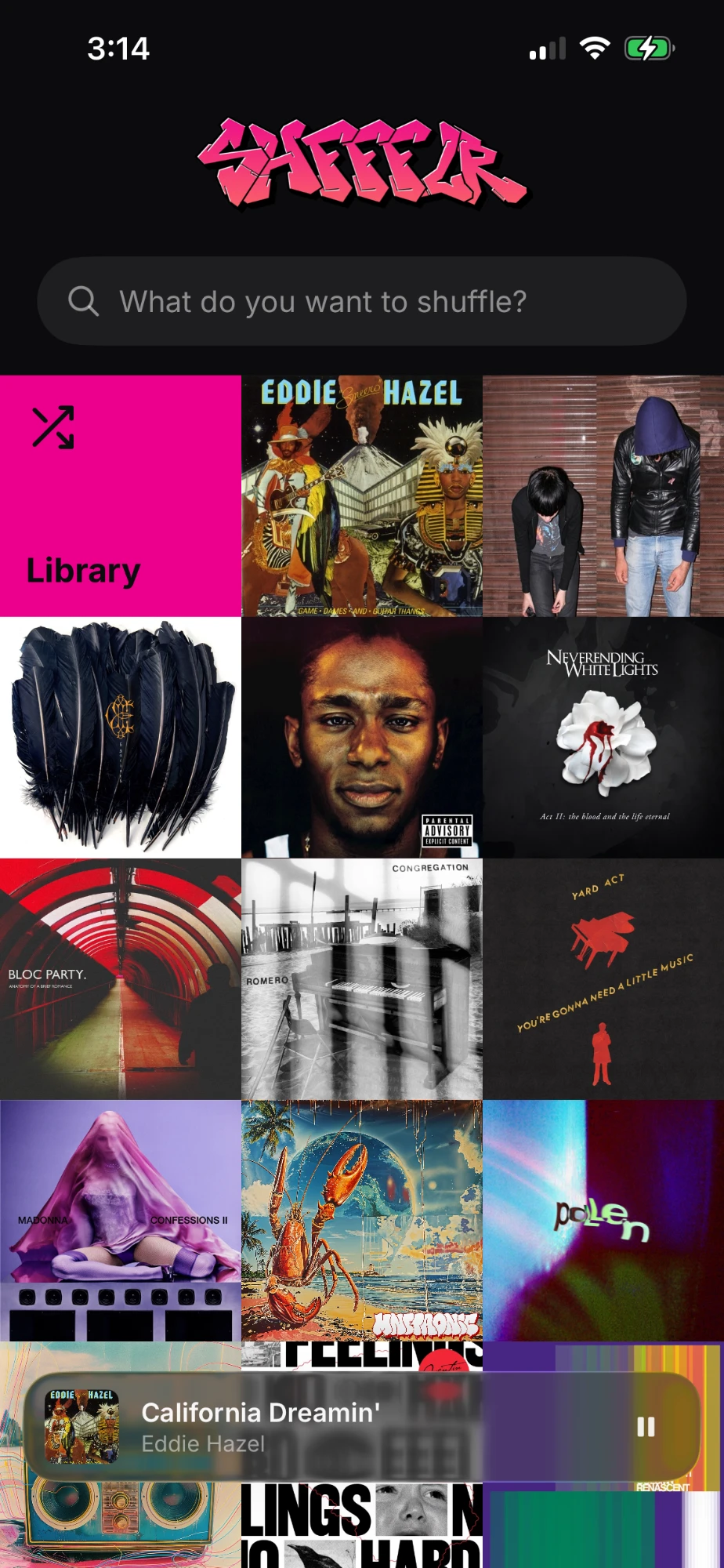
Your entire library in one cycle. It is the first tile on the home screen, because it is the thing you actually want.
Your data stays on your device
shffflr has no servers, no accounts and no analytics. Your library never leaves your device except as ordinary Apple Music requests made under your own account — the same ones Apple's Music app makes.
Read the privacy policy →- No accounts or sign-ups
- No analytics or crash reporting
- No advertising identifiers
- No third-party software
What you need
iPhone on iOS 18 or later
iPad and Mac are not supported yet.
An Apple Music subscription
Individual, Family and Student plans all work. shffflr plays through your own account.
Media & Apple Music permission
Asked once on first launch, revocable any time in Settings.